bakecut logo bakecut
HomeBlog › Comparison
Comparison

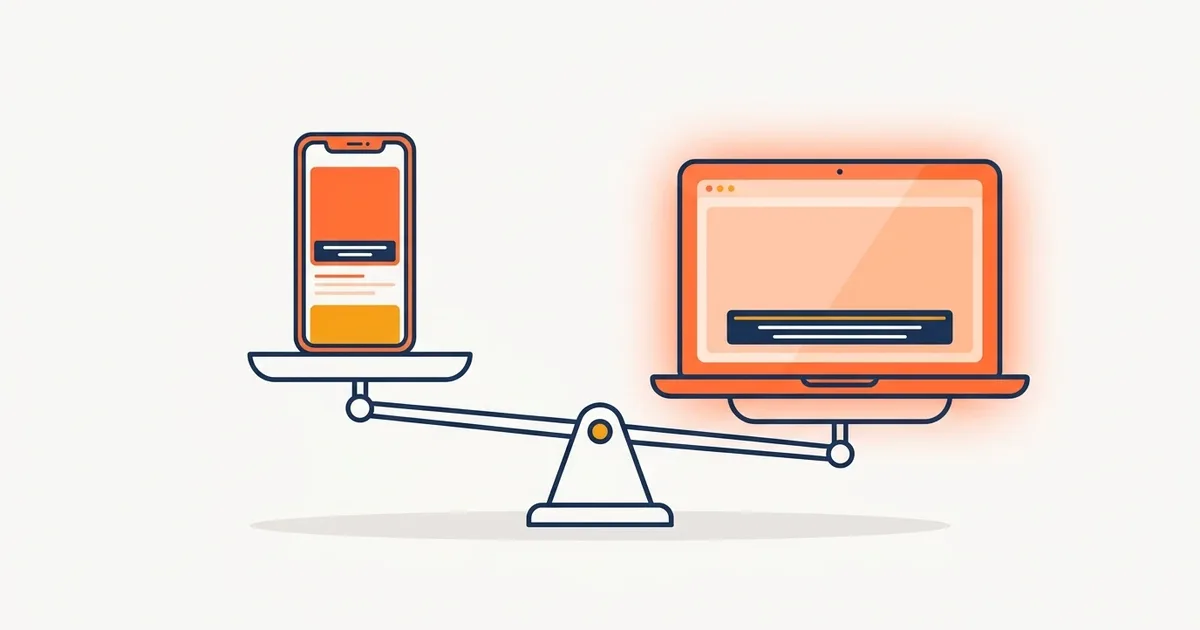
Best Free Subtitle Apps, and When Your Phone Is Not Enough (App vs PC)

Jun 11, 2026 · bakecut
Best Free Subtitle Apps, and When Your Phone Is Not Enough (App vs PC)

TL;DR: If you only make a couple of Shorts now and then, free subtitle apps (CapCut, Vrew mobile) are plenty. But if you publish weekly or work with videos over 10 minutes, a desktop program saves serious time on transcription speed, accuracy, and file handling.

When someone asks "which subtitle app should I use?", the honest answer is another question: how many videos do you make per month, and how long are they? The recommendation changes completely depending on the answer.

4 free subtitle apps worth using

App Auto captions Strength Weakness
CapCut Yes Rich Shorts templates and effects Free features shrinking
Vrew mobile Yes Same editing style as the PC version Small screen makes fine edits fiddly
VLLO No (manual) Intuitive, beginner-friendly editor You type captions yourself
KineMaster Partial Powerful layer editing Watermark on the free plan

If you need automatic transcription, the field effectively narrows to CapCut and Vrew mobile. VLLO and KineMaster are closer to "type your own captions" tools.

When an app wins

When a PC wins

First, transcription speed and accuracy. The longer the video, the wider the gap. Processing a 10-minute video on a phone means heat, battery drain, and app-switching limits. On a PC you just let it run and do something else.

Second, editing efficiency. Most of your subtitle time goes into fixing, not generating. Correcting typos, splitting clips, and adjusting timing with a keyboard and mouse feels 2 to 3 times faster than doing it on a phone screen.

Third, styling freedom. Per-word color highlights, font mixing, and line-spacing control are desktop territory. For example, bakecut lets you change the color, font, and size of each individual word and add effects where words light up as they are spoken, all on PC. That kind of work is practically impossible on a phone screen.

Fourth, original quality. Apps often compress your footage to cope with storage and performance limits. On a PC you work with the original file as is.

The recommended combo: mix app and PC

People who publish consistently tend to follow this flow:

  1. Shoot on the phone
  2. Move to the PC for transcription, cutting, and subtitle styling (80% of the time goes here)
  3. Send the finished video back to the phone to upload (or upload straight from the PC)

Transferring sounds like a chore, but AirDrop or Google Drive takes 1 to 2 minutes. Those 2 minutes buy back dozens of minutes in the editing stage.

Who has the most generous free limits?

Across apps and desktop tools, after YouTube auto captions (unlimited, but no styling), the most practical free transcription allowances are bakecut (120 minutes/month) and Vrew (monthly quota). See the full comparison table in Best Free Subtitle Software, Top 7.

Bottom line: when it is time to switch to PC

If you are making one or more videos a week, it is time to move to a desktop subtitle tool. bakecut transcribes without uploading your video and styles subtitles down to the individual word, so it is the tool where people coming from apps feel the difference most. It is free for 120 minutes a month, so there is nothing to lose.

FAQ

What is a good free subtitle app for iPhone?

If you need auto transcription, CapCut or Vrew mobile. If you do not mind typing captions yourself, VLLO is a solid choice.

Is there a big accuracy gap between app and PC captions?

Within the same service (for example Vrew mobile vs PC), the recognition engine is the same, so accuracy is similar. The real gap is in editing speed and stability with long videos, not accuracy.

I only make Shorts. Do I still need a PC?

One or two a week is fine on an app. But if you want serious styling like word highlights and emojis even on Shorts, a PC is more comfortable. We covered styling guidelines in the Shorts subtitle guide.

Are there any apps that do not upload my video to a server?

Most apps process on a server. If you need everything handled on your own device with no upload, bakecut for desktop is practically the only option.

Subtitles on your computer, no upload.
The AI subtitle editor that styles every single word

Get bakecut free →
Related postsBest Free Subtitle Software, Top 7 Compared (2026)Vrew Free Plan Limits Explained, and the Best Alternatives (2026)New to Video Editing? Start with Subtitles, a Beginner Roadmap