
무음 구간 자동 컷, 영상 길이 30% 줄이는 법
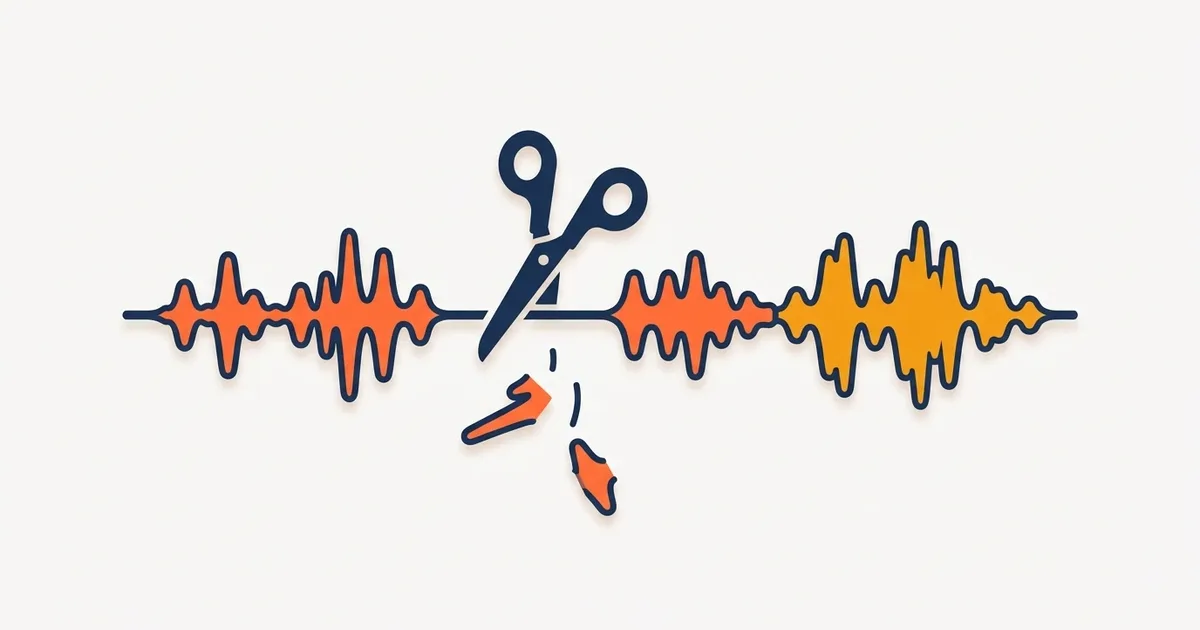
핵심 요약: 말하는 영상의 침묵 구간을 자동으로 찾아 한 번에 잘라내면 영상 길이가 보통 20~30% 줄고 템포가 살아납니다. 기준은 -35dB·0.5초에서 시작해서, 잘리는 양 끝에 0.1초 정도 여유를 남기는 게 자연스럽습니다.
유튜브에서 말 잘하는 것처럼 보이는 채널들의 비밀 절반은 편집입니다. "어...", "음...", 대본 보는 침묵, 숨 고르기를 전부 잘라낸 거예요. 이걸 손으로 하면 10분 영상에 한 시간이 걸리지만, 무음 자동 컷을 쓰면 1분이면 됩니다.
무음 컷이 영상을 살리는 이유
- 템포: 침묵이 사라지면 말의 밀도가 올라가 지루할 틈이 없어집니다
- 길이: 평균 20~30% 짧아집니다. 12분 영상이 9분이 되는 식
- 시청 유지율: 시청자가 이탈하는 건 대부분 "늘어지는 순간"입니다
이른바 점프컷 스타일(말 사이가 툭툭 끊기며 빠르게 진행)이 바로 이 편집의 결과물입니다.
자동 무음 컷, 어떻게 작동하나
무음 컷 기능이 있는 편집기(bakecut, Vrew 등)는 소리 크기를 분석해서 "일정 크기(dB) 이하로 일정 시간 이상" 조용한 구간을 찾아줍니다. 설정값은 두 개뿐입니다:
1. 무음 기준 (dB)
얼마나 조용해야 무음으로 볼지의 기준입니다. -35dB 정도에서 시작하세요.
- 잘리는 게 너무 적다 → 기준을 올리기 (예: -30dB, 0에 가깝게)
- 말까지 잘려나간다 → 기준을 내리기 (예: -40dB)
조용한 방에서 녹음했다면 기준을 낮게, 배경 소음이 있으면 높게 잡는 식으로 환경에 맞춥니다.
2. 최소 길이 (초)
너무 짧은 침묵까지 자르면 말이 따따따 붙어서 숨 막히는 영상이 됩니다. 0.5초가 무난한 시작점입니다. 템포 빠른 쇼츠는 0.3초, 차분한 강의 영상은 0.8초처럼 장르에 맞춰 조절하세요.
장르별 시작 설정값을 표로 정리하면 이렇습니다.
| 영상 장르 | 무음 기준(dB) | 최소 길이 |
|---|---|---|
| 템포 빠른 쇼츠 | -33dB | 0.3초 |
| 일반 브이로그·리뷰 | -35dB | 0.5초 |
| 차분한 강의·설명 | -38dB | 0.8초 |
자연스럽게 자르는 요령 3가지
1. 양 끝에 여유 남기기. 무음 구간을 딱 맞춰 자르면 말끝이 잘린 느낌이 납니다. 잘리는 구간 앞뒤로 0.08~0.1초쯤 남기면 호흡이 살아요. 도구가 자동으로 여유를 주는지 확인하세요 (bakecut은 양끝 0.08초를 자동으로 남깁니다).
2. 자르기 전에 미리 보기. 자동 감지 결과를 무조건 적용하지 말고, 어디가 잘리는지 타임라인에서 확인한 뒤 적용하세요. 의도된 침묵(연출용 정적, 웃음 대기)은 빼야 하니까요.
3. 받아쓰기보다 먼저 하지 않기. 순서는 "받아쓰기 → 무음 컷"을 권합니다. 자막 타이밍이 잡힌 상태에서 무음을 들어내면 자막도 함께 따라와서 어긋나지 않습니다. 도구가 컷과 자막을 함께 관리해주는지가 중요한 포인트예요.
무음 컷 + 자막 = 시너지
무음 컷으로 템포를 만들고, 자막으로 소리 끈 시청자를 잡으면 시청 유지율의 양대 축이 완성됩니다. 자막 쪽 기준은 쇼츠 자막 가이드와 자막 자동 생성 정확도 높이는 법을 참고하세요.
정리: 무음 컷은 자동화가 답입니다
bakecut의 무음 자르기는 기준(dB)과 최소 길이를 슬라이더로 조절하고, 잘리는 구간을 타임라인에서 미리 확인한 뒤 한 번에 적용하는 방식입니다. 양끝 여유도 자동으로 남기고, 비파괴 방식이라 언제든 되돌릴 수 있어요. 받아쓰기와 같은 프로그램 안에서 되니 자막 타이밍도 안 어긋납니다.
자주 묻는 질문
무음 제거하면 영상이 어색하지 않나요?
기준을 너무 공격적으로 잡으면 어색합니다. 최소 길이 0.5초 이상, 양 끝 여유 0.1초를 지키면 시청자는 편집됐다는 걸 거의 느끼지 못합니다.
무음 컷은 원본 영상을 망가뜨리나요?
도구에 따라 다릅니다. 잘라낼 구간 목록만 기억했다가 내보낼 때 적용하는 비파괴 방식(bakecut 등)이라면 원본은 그대로 남고, 언제든 컷을 되돌릴 수 있습니다.
배경 음악이 깔린 영상도 무음 컷이 되나요?
음악이 계속 깔려 있으면 "무음"이 없어서 감지가 안 됩니다. 무음 컷은 음악을 입히기 전, 목소리만 있는 단계에서 하세요.
점프컷이 너무 정신없다는 댓글이 달려요.
최소 길이를 0.7~0.8초로 올리고, 문단이 바뀌는 지점의 침묵은 일부러 남겨보세요. 템포는 빠르게 가져가되 생각할 틈은 주는 게 균형점입니다.
영상 자막, 업로드 없이 내 컴퓨터에서.
단어 하나하나 꾸밀 수 있는 AI 자막 편집기