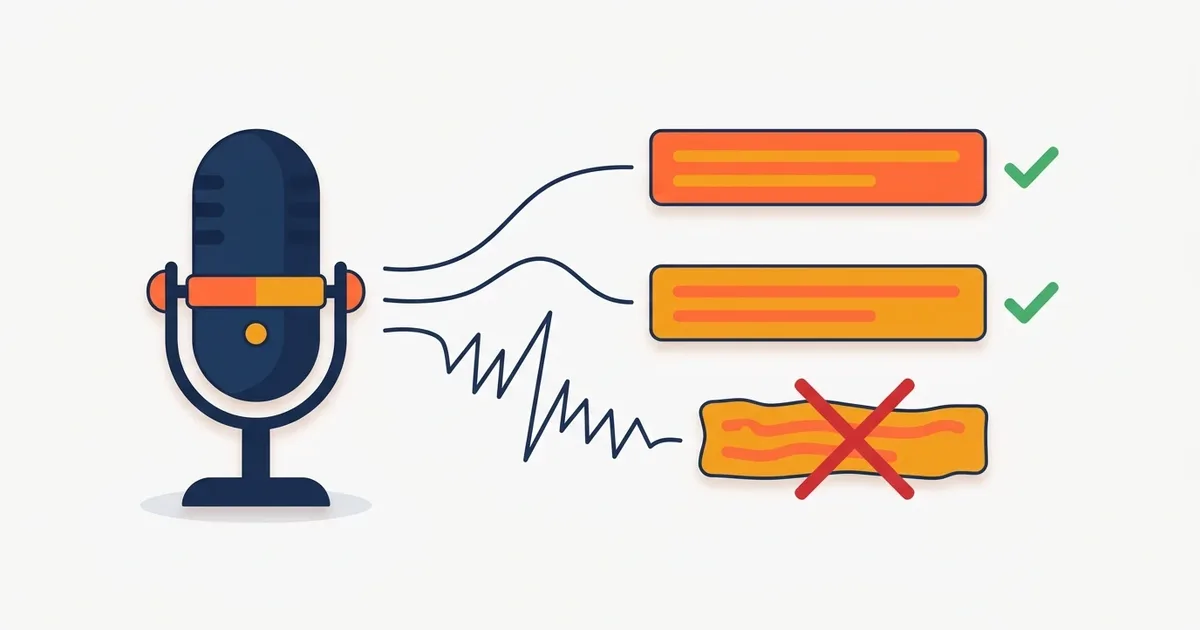
Auto-Generated Subtitles Keep Getting It Wrong? 5 Ways to Boost Accuracy
TL;DR: Typos in auto captions are usually an input problem, not an AI problem. Fix your mic distance and background noise, step up one model size, and set the language manually instead of auto-detect, and your correction time can drop by more than half.
The first time you try auto-generated subtitles, two thoughts hit at once: "wow, this is magic" and "but these typos though". Transcription quality depends on your recording conditions and settings just as much as on which tool you pick. Here are 5 methods that work no matter which program you use.
1. Keep the mic within 30 cm (about a foot) of your mouth
The single biggest factor in speech recognition accuracy is the ratio of voice to background sound. Audio captured by a camera's built-in mic from 2 meters away sounds muddy even to humans. Just recording close to your mouth with a lavalier or USB mic raises recognition rates noticeably.
No gear? Even phone earbuds with a mic beat the built-in mic. The key is not the microphone, it is the distance.
2. Add background noise and music after transcription
Fans, air conditioning, cafe chatter, and, surprisingly often, background music eat into recognition accuracy. Since music can be layered in at the end of editing, run transcription on the clean voice-only footage. If the music is already baked in, fine, but at least know that it is the source of the typos and budget your correction time accordingly.
3. Step up one model size
Whisper-based tools (like bakecut) let you choose a model size. Small models are fast but stumble on jargon and fast speech; large models are slower but more accurate.
| Situation | Recommended model |
|---|---|
| Quiet room, clear and steady speech | Small |
| Fast talking or lots of technical terms | Medium |
| Noisy environment, maximum accuracy needed | Large family |
If you ran Small and got a typo festival, try a bigger model before switching programs. We cover the differences between models in our Whisper explainer.
4. Set the language manually instead of "auto-detect"
Auto-detect is convenient, but if your video opens with music or a greeting in another language, it can misjudge the language and wreck the whole transcript. If the video is in English, lock it to English from the start. For mixed-language videos, set the primary language and loanwords are usually handled fine.
5. Set your characters-per-line limit up front
This sounds unrelated to accuracy, but it determines how painful the fixing stage feels. When one clip is too long, typos are harder to spot and timing is harder to adjust. For long-form (horizontal) video, aim for roughly 35 to 42 characters per line; for Shorts, 15 to 20. Your corrections will go much faster. Shorts-specific guidelines are in the Shorts subtitle guide.
Bonus: pick a tool that makes fixing fast
The final typo pass is always on you, and this is where tools differ most. Some tools break word timing the moment you edit the text, while tools like bakecut keep per-word timing intact even after you fix the words. If two tools transcribe equally well, the one that is easier to correct is the one that saves you time.
FAQ
How accurate are auto captions, typically?
For clear speech recorded in a quiet environment, Whisper-based tools reach around 95% in English. With noise, fast speech, or heavy jargon mixed in, it can drop into the 80s, so your environment matters more than the tool.
Can it handle accents and technical terms?
The closer to standard pronunciation, the better the results; strong accents increase typos. Bigger models handle jargon better, but for proper nouns you use often, a find-and-replace pass after transcription is the practical fix.
Will re-running transcription give different results?
With the same model and the same settings, the output is nearly identical. If you want a different result, change the model size or language setting before re-running.
Do these tips work for other languages too?
Yes. The distance, noise, and model-size principles apply regardless of language. English actually tends to score highest under the same conditions because it has the most training data.
Subtitles on your computer, no upload.
The AI subtitle editor that styles every single word