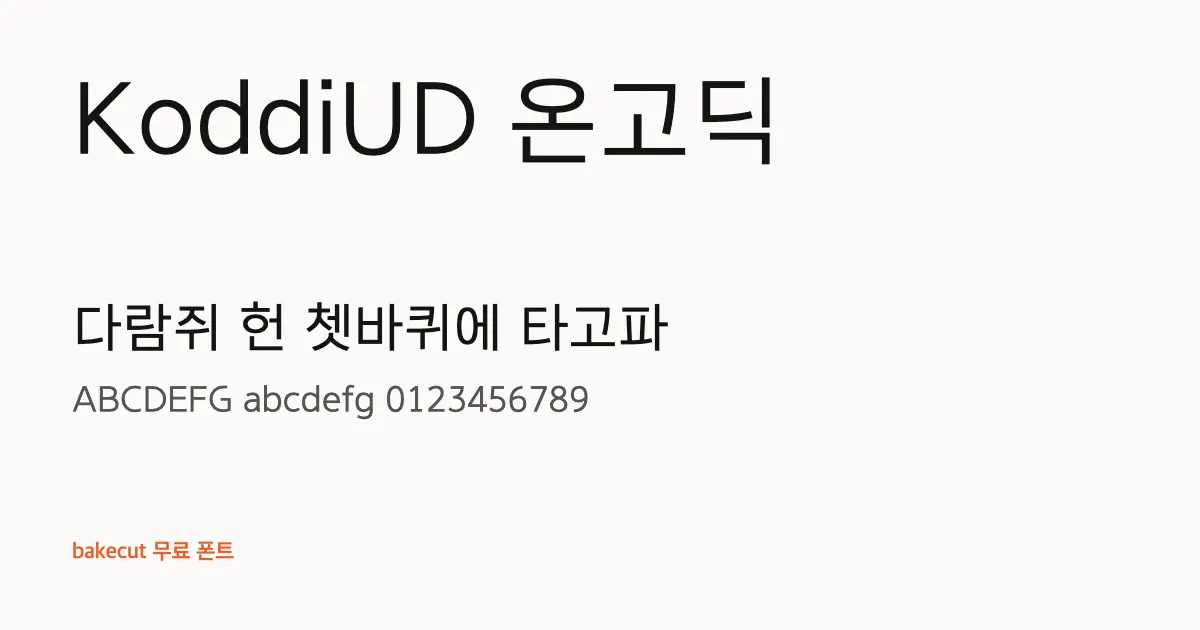
KoddiUD OnGothic (KoddiUD 온고딕)
KoddiUD OnGothic is a universal-design sans made to be comfortable for readers of any age or eyesight, ideal where text must be read accurately.
| Korean name | KoddiUD 온고딕 (KoddiUD On Godik) |
|---|---|
| Maker | Korea Disabled People's Development Institute |
| License | KOGL Type 1 (credit required) |
| Commercial use | Yes (credit required) |
| Style | Sans-serif (Gothic) · Subtitles & Captions |
| Weights | Regular, Bold, ExtraBold |
| Hangul | All 11,172 modern syllables |
| English A-Z | Included (Has its own A-Z and a-z) |
| Checked | November 10, 2026 (against the official license text) |
Reading made easy with KoddiUD OnGothic
UD stands for universal design, an approach meant to serve readers of every age and level of eyesight. Counters are wide open and stroke ends are simplified, so similar-looking letters stay clearly distinct from one another. Stroke weight is consistent, giving a calm, honest impression without any decorative distraction.
Beginners learning Hangul benefit from letterforms that are easy to tell apart, which makes it a strong choice for flashcards, Anki decks and printed charts. It also suits videos for older viewers, health and welfare information, public campaigns and accessible websites. Developers building apps with accessibility in mind can use it for Korean interface text.
All 52 English letters are included and drawn with the same clarity, so bilingual flashcards can use it alone; Inter is a good match if you want a separate English face. It covers all 11,172 syllables. Large sizes and strong color contrast bring out its strengths in captions. Credit the Korea Disabled People's Development Institute as the source under KOGL Type 1.
- Beginner flashcards
- Accessible websites
- Health info videos
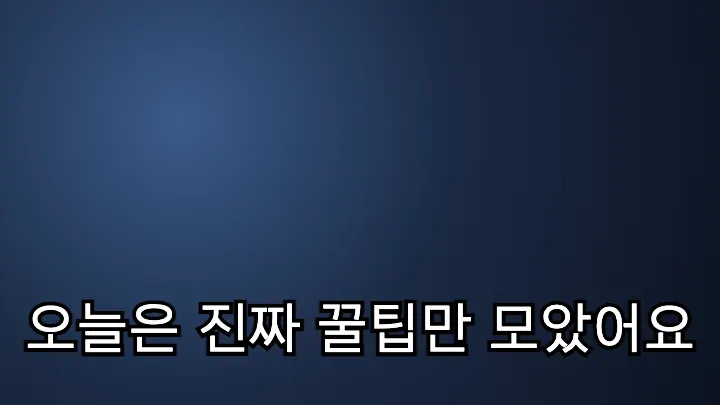
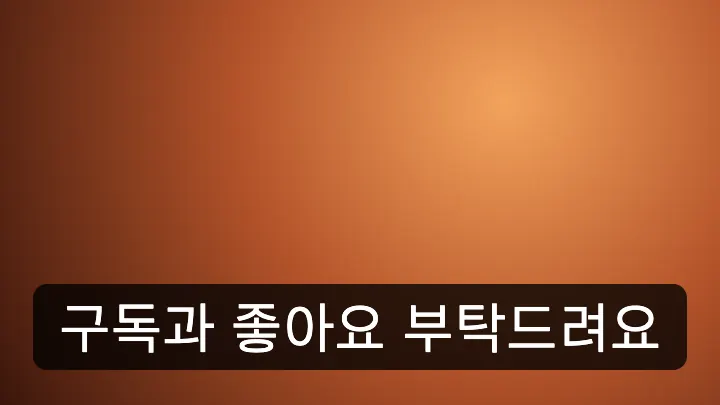
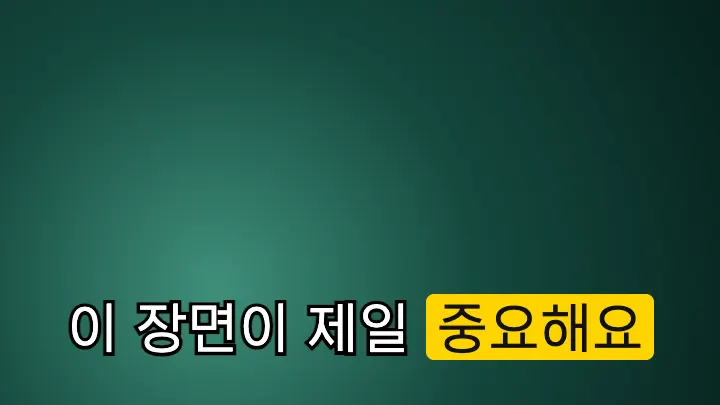
KoddiUD OnGothic subtitle and fan banner samples
Three common Korean subtitle styles: white text with a black outline, a black box, and a highlighted keyword.
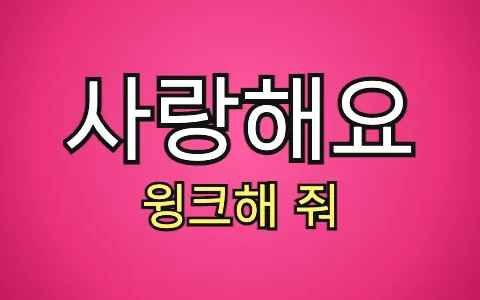
As a K-pop fan banner
"사랑해요" (I love you) and "윙크해 줘" (Wink at me) set in this font, the way fans write them on concert banners.
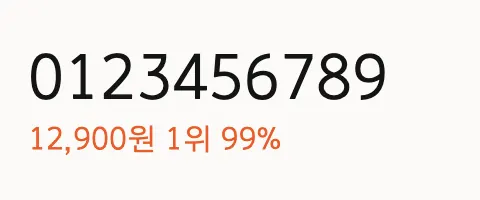
Numbers
Digits and a price, rank and percentage, for thumbnails and captions with numbers.
KoddiUD OnGothic commercial use (KOGL Type 1)
| Use | Allowed |
|---|---|
| YouTube videos and subtitles | Yes |
| Thumbnails and ad images | Yes |
| Embedding in websites and apps | Yes |
| Modifying the font file | Yes |
| Redistributing the font file | With conditions |
| Credit | Required |
This content uses 'KoddiUD OnGothic' by Korea Disabled People's Development Institute (KOGL Type 1).Download KoddiUD OnGothic
Get the files from the official page below. If the page is in Korean, look for a button labeled 다운로드 or 내려받기 (both mean "download").
Korean fonts similar to KoddiUD OnGothic
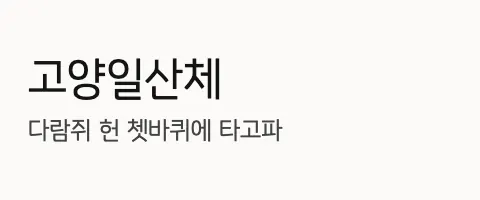 Goyang Ilsan고양일산체 · KOGL Type 1Credit requiredA-Z included
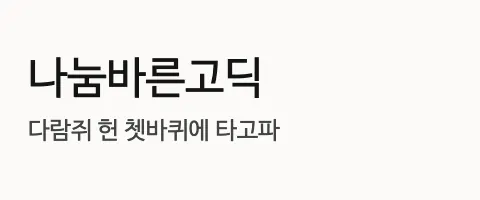 NanumBarunGothic나눔바른고딕 · OFLA-Z included
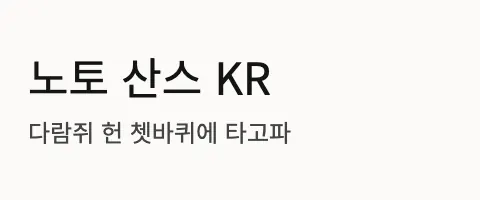 Noto Sans KR노토 산스 KR · OFLA-Z included
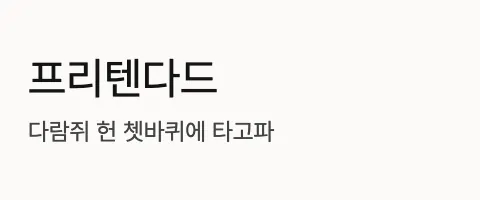 Pretendard프리텐다드 · OFLA-Z included
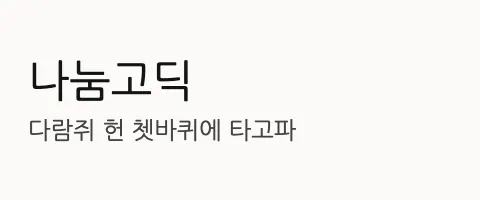 Nanum Gothic나눔고딕 · OFLA-Z included
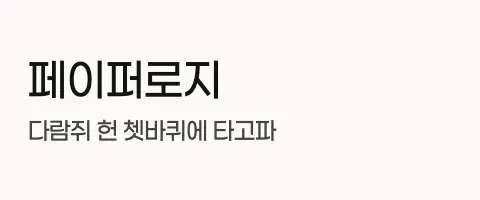 Paperlogy페이퍼로지 · OFLA-Z included
KoddiUD OnGothic FAQ
Can I use KoddiUD OnGothic commercially?
Yes. KoddiUD OnGothic is released under the KOGL Type 1 (credit required), so individuals and companies can use it for commercial work.
Can I use KoddiUD OnGothic in YouTube videos and thumbnails?
Yes. You can use it for subtitles, thumbnails and channel art on monetized videos. Videos and images made with the font do not need to include the license file.
Do I need to credit KoddiUD OnGothic?
Yes. Under KOGL Type 1 you must credit the source, for example in the video description or end screen.This content uses 'KoddiUD OnGothic' by Korea Disabled People's Development Institute (KOGL Type 1).
Does KoddiUD OnGothic include English letters?
Yes. It has its own uppercase and lowercase A-Z, designed to sit next to the Hangul, so mixed Korean and English text stays consistent.
Why is KoddiUD OnGothic good for beginners learning Hangul?
Its open counters and simplified stroke ends make similar letters easy to tell apart, which helps while you are still learning to recognize jamo and syllable blocks. That clarity carries over to flashcards, charts and on-screen captions.
Found your font? Make the subtitles next.
bakecut is an AI subtitle editor that lets you change the color and font of every word.