
Sun Batang (순바탕체)
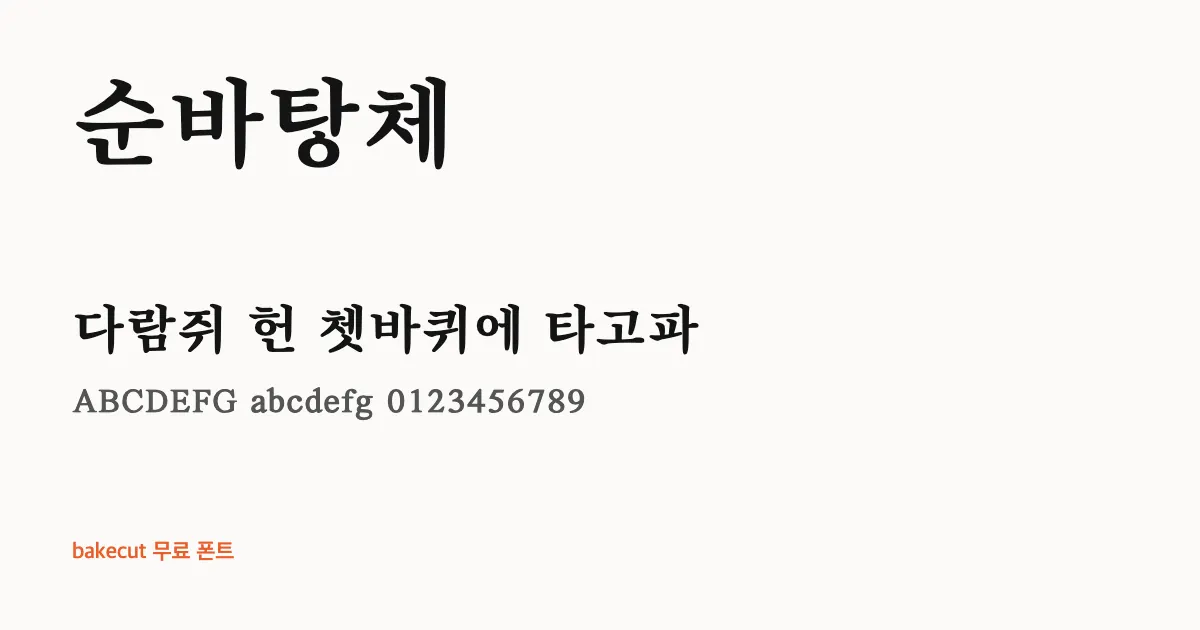
Sun Batang is a heavy, tidy Korean serif with brush-pressed stroke ends, the kind of type you might see on a book cover. It gives serious videos and posters a dignified voice.
| Korean name | 순바탕체 (Sun Batangche) |
|---|---|
| Maker | Korea Publication Industry Promotion Agency |
| License | KOGL Type 1 (credit required) |
| Commercial use | Yes (credit required) |
| Style | Serif (Myeongjo) · Subtitles & Captions · K-pop Fan Banners |
| Weights | See the official page |
| Hangul | All 11,172 modern syllables |
| English A-Z | Included (Has its own A-Z and a-z) |
| Checked | November 10, 2026 (against the official license text) |
How Sun Batang looks on screen
Its strokes are thicker than a typical Korean serif (myeongjo), so the fine lines stay sharp instead of fading on screen. Vertical strokes start with a pressed brush head and horizontal strokes finish with a clear brush ending, while consonants such as ㅅ and ㅊ keep a neat, calligraphic sweep. The result reads with weight and calm authority.
The full set of 11,172 modern Hangul syllables is included, so long captions never hit a blank box. That makes it a solid pick for YouTubers subtitling book reviews, history explainers, or documentary narration, and for Korean learners who want flashcards in a classic printed style. Designers can also use it for literary event posters or a refined menu heading.
Sun Batang carries its own serif English letters and numerals, so a mixed Korean and English title can stay in one font without a mismatch. It is released under KOGL Type 1, which allows commercial use and modification as long as you credit the source. For thumbnails, large white letters on a dark background bring out its weight.
- Book review subtitles
- History video titles
- Literary posters
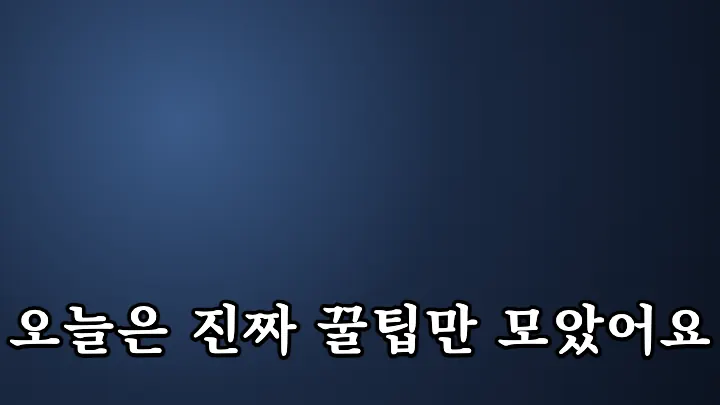
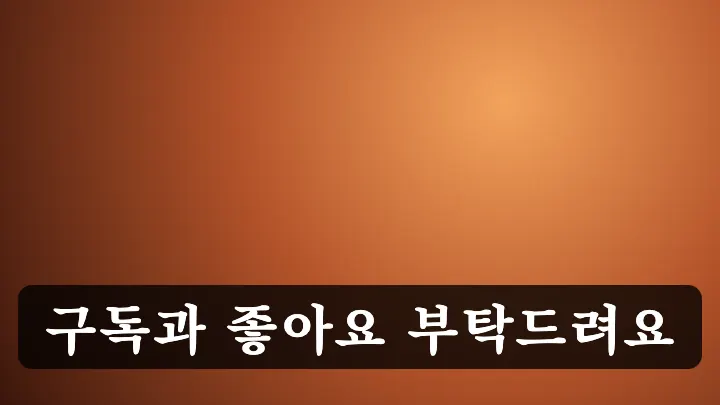
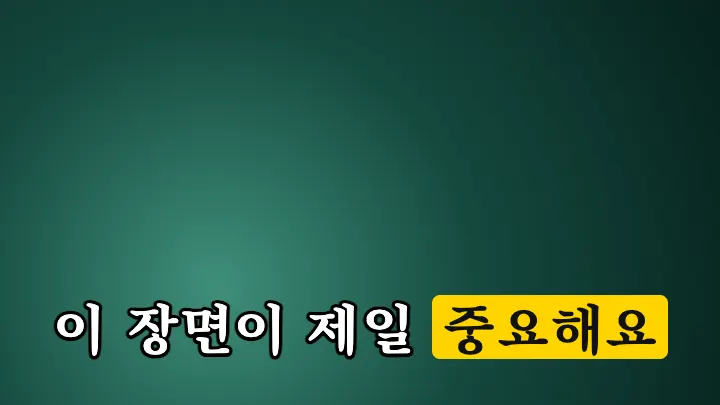
Sun Batang subtitle and fan banner samples
Three common Korean subtitle styles: white text with a black outline, a black box, and a highlighted keyword.
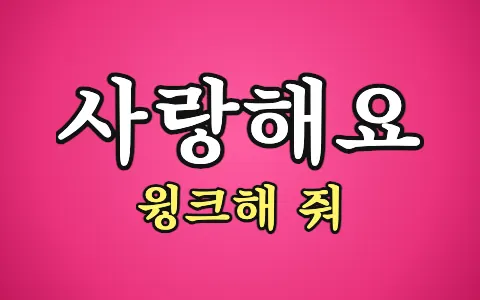
As a K-pop fan banner
"사랑해요" (I love you) and "윙크해 줘" (Wink at me) set in this font, the way fans write them on concert banners.
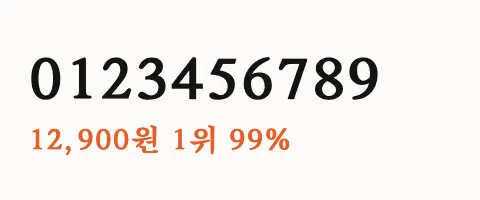
Numbers
Digits and a price, rank and percentage, for thumbnails and captions with numbers.
Sun Batang commercial use (KOGL Type 1)
| Use | Allowed |
|---|---|
| YouTube videos and subtitles | Yes |
| Thumbnails and ad images | Yes |
| Embedding in websites and apps | Yes |
| Modifying the font file | Yes |
| Redistributing the font file | With conditions |
| Credit | Required |
This content uses 'Sun Batang' by Korea Publication Industry Promotion Agency (KOGL Type 1).Download Sun Batang
Get the files from the official page below. If the page is in Korean, look for a button labeled 다운로드 or 내려받기 (both mean "download").
Korean fonts similar to Sun Batang
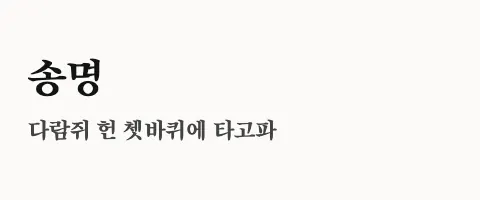 Song Myung송명 · OFLA-Z included
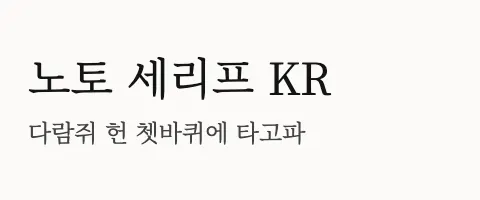 Noto Serif KR노토 세리프 KR · OFLA-Z includedKoPub BatangKoPub BatangKoPub 바탕체 · Own license
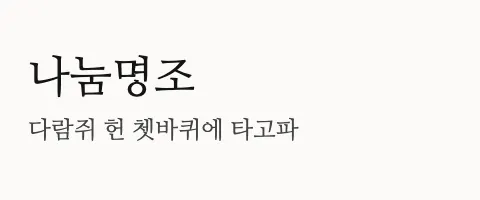 Nanum Myeongjo나눔명조 · OFLA-Z included
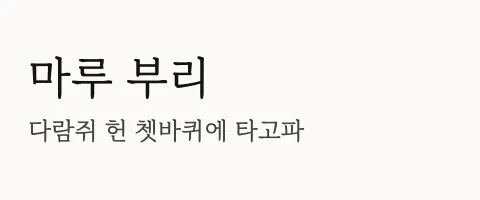 MaruBuri마루 부리 · OFLA-Z includedSeoul HangangSeoul Hangang서울한강체 · KOGL Type 1Credit required
Sun Batang FAQ
Can I use Sun Batang commercially?
Yes. Sun Batang is released under the KOGL Type 1 (credit required), so individuals and companies can use it for commercial work.
Can I use Sun Batang in YouTube videos and thumbnails?
Yes. You can use it for subtitles, thumbnails and channel art on monetized videos. Videos and images made with the font do not need to include the license file.
Do I need to credit Sun Batang?
Yes. Under KOGL Type 1 you must credit the source, for example in the video description or end screen.This content uses 'Sun Batang' by Korea Publication Industry Promotion Agency (KOGL Type 1).
Does Sun Batang include English letters?
Yes. It has its own uppercase and lowercase A-Z, designed to sit next to the Hangul, so mixed Korean and English text stays consistent.
Do I have to credit Sun Batang when I use it in a video?
You do. KOGL Type 1 requires a source credit, even for commercial projects. A short line in your video description or end credits naming the font and its publisher, the Korea Publication Industry Promotion Agency, is the usual way to meet that condition.
Found your font? Make the subtitles next.
bakecut is an AI subtitle editor that lets you change the color and font of every word.