
Reels vs Shorts vs TikTok, Key Differences and Where to Post (2026)

Key takeaway: Reels, Shorts, and TikTok all run 9:16 vertical video, so the baseline strategy is make once, post to all three. Just don't repost files with another platform's watermark; export a clean original with captions burned in, and upload it to each platform separately.
If you've made a vertical video and are wondering where to post it, the answer is usually "all three." The formats match, so one edit covers three platforms. This guide compares how they differ and lays out the workflow for repurposing Shorts cut from a long video across all of them.
The Three Platforms at a Glance
| YouTube Shorts | Instagram Reels | TikTok | |
|---|---|---|---|
| Max length | 3 min | 3 min | 10 min |
| Aspect ratio | 9:16 (1080×1920) | 9:16 (1080×1920) | 9:16 (1080×1920) |
| Sweet spot | 15-50s | 15-30s | 15-60s |
| Discovery | Shorts feed, search, channel | Reels tab, Explore, hashtags | For You feed |
| Monetization | Shorts ad revenue via Partner Program | Deals and account growth over standing programs | Country-specific rewards programs |
Monetization terms shift often by country and over time, so treat the table as a starting point and check each platform's current policy.
How the Platforms Differ in Character
Same format, different ways viewers meet your video.
Shorts: the funnel into your channel
Shorts' strength is the path into subscriptions and long-form. Viewers who discover you through a Short can flow into your longer videos, and Shorts surface in YouTube search too. If you're growing a long-form channel, Shorts is your most important entry point.
Reels: the stage for account growth and brand deals
Reels is effective for growing an Instagram following, and the money follows the account: sponsorships, collabs, and product deals scale with follower count. Polished editing and trending audio perform especially well here.
TikTok: where zero followers can still go viral
TikTok's For You feed evaluates each video on its own, regardless of follower count. That makes it the one platform where a brand-new account can blow up on its first post. Strong early signals (watch time, rewatches) keep expanding your reach.
One Video, Three Uploads
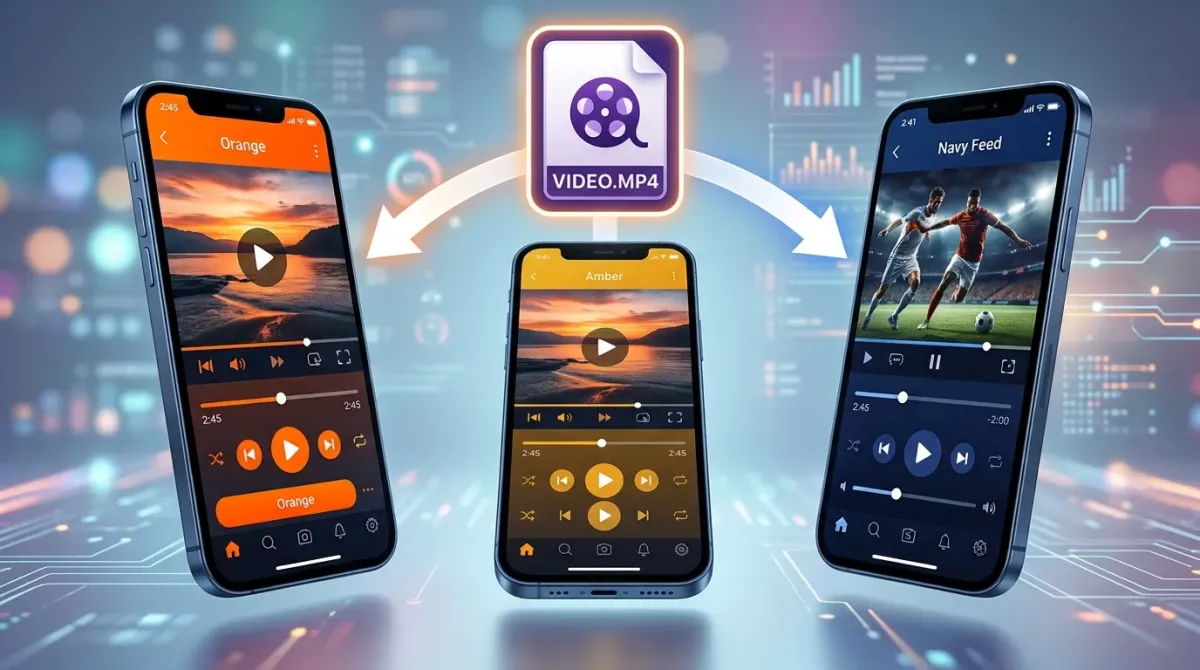
The right reposting workflow
Finish the video in your editor, then upload the clean, watermark-free file to each platform separately. Videos saved from TikTok carry a TikTok watermark, and reposting watermarked video to Reels or Shorts is widely reported to hurt distribution. The order:
- Finish the vertical edit (captions burned in)
- Upload the original file to Shorts, Reels, and TikTok separately
- Adjust only the title and hashtags to each platform's conventions
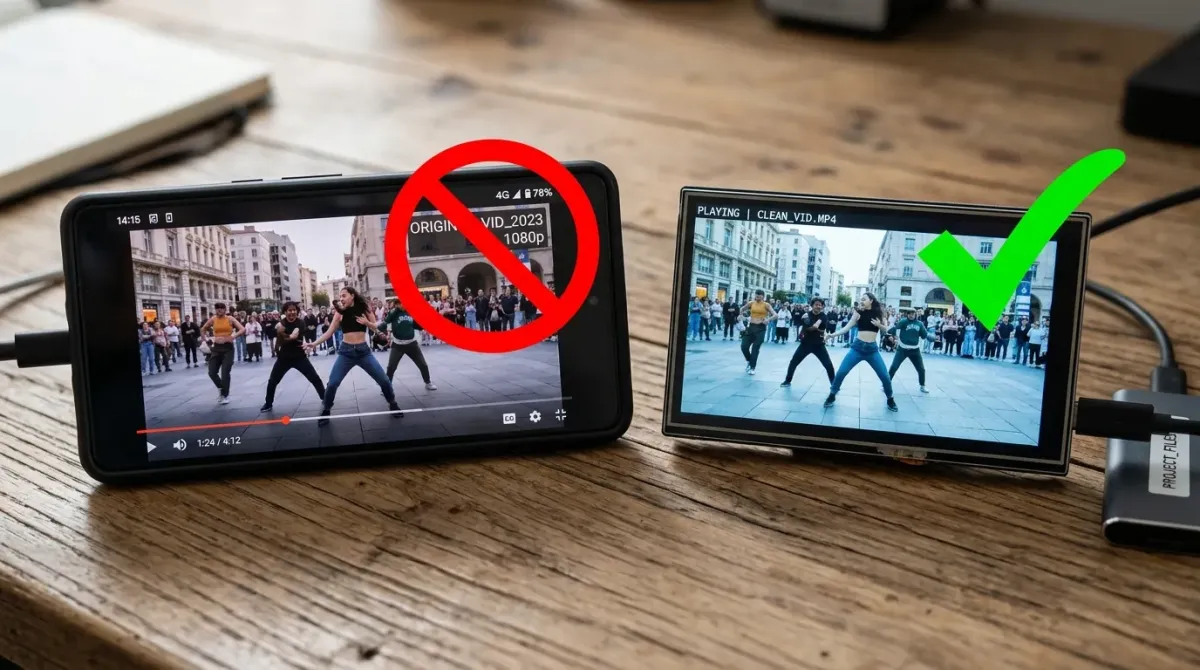
Burn in your captions
All three platforms offer native caption tools, but styling is limited and you'd have to rebuild them on each platform. Burn the captions into the video (hard subtitles) and one file covers all three. The difference between burning and separate caption files is covered in hard vs soft subtitles, and the line-length and position rules for vertical video are in the Shorts captions guide.
The one thing that doesn't transfer: music
Platform music libraries are licensed for use inside that platform only. A video set to a TikTok library track can run into copyright trouble on Shorts. For videos you plan to repost, use music that's cleared everywhere in the original edit.
So Where Should You Focus?
By goal
- Growing a long-form YouTube channel: Shorts first. It's the direct pipe into your longer videos.
- After sponsorships and brand revenue: Reels first. Instagram followers translate into deal rates.
- Just starting and testing what lands: TikTok first. You can measure pure content strength from zero followers.
Production cost is identical either way, so one primary platform plus two reposts is the no-downside default.
FAQ
Are Reels, Shorts, and TikTok formats really identical?
Yes, all three default to 9:16 vertical (1080×1920), so the same file uploads everywhere. Only the length caps differ (Shorts and Reels 3 minutes, TikTok 10), so check duration.
Can I save my TikTok video and upload it to Shorts?
Not recommended. Files saved from TikTok carry a watermark, and watermarked videos are widely reported to get reduced distribution elsewhere. Use the original file exported from your editor.
Is there a penalty for posting the same video on all three platforms?
No. The platforms don't cross-check each other's content, and posting the same video across all three is standard creator practice.
Will my Shorts cannibalize my long-form views?
Shorts and long-form surface in different places, so the funnel effect outweighs cannibalization. The goal is viewers discovering your channel through a Short and moving to the long version.
Should I post at different times on each platform?
If your audience overlaps, the same window is fine. What matters more is checking each platform's analytics for when your viewers are active, and matching that.
Subtitles on your computer, no upload.
The AI subtitle editor that styles every single word