
Free Background Music for Videos, Safe Sites and License Rules (2026)
Key takeaway: Start with the YouTube Audio Library, and for everything else, check the license terms (commercial use, attribution) rather than the word "free." Keep a record of what track you downloaded, from where, and when, and even a wrongful Content ID claim becomes easy to dispute.
Next to captions, background music is the thing that trips up video editors most often. Drop in the wrong track and your revenue flows to someone else, or the video comes down entirely. This guide covers free music sites that are safe for YouTube, how to read license terms, and what to do when a claim arrives. For why AI-generated music is still a cautious choice, see our breakdown of the Suno hack and its training data problem.
Why You Can't Use Just Any Track
The most common misconception is "I bought this song, why can't I use it?" Buying a track and having the right to use it in a video are two different things.
Content ID takes the revenue, quietly
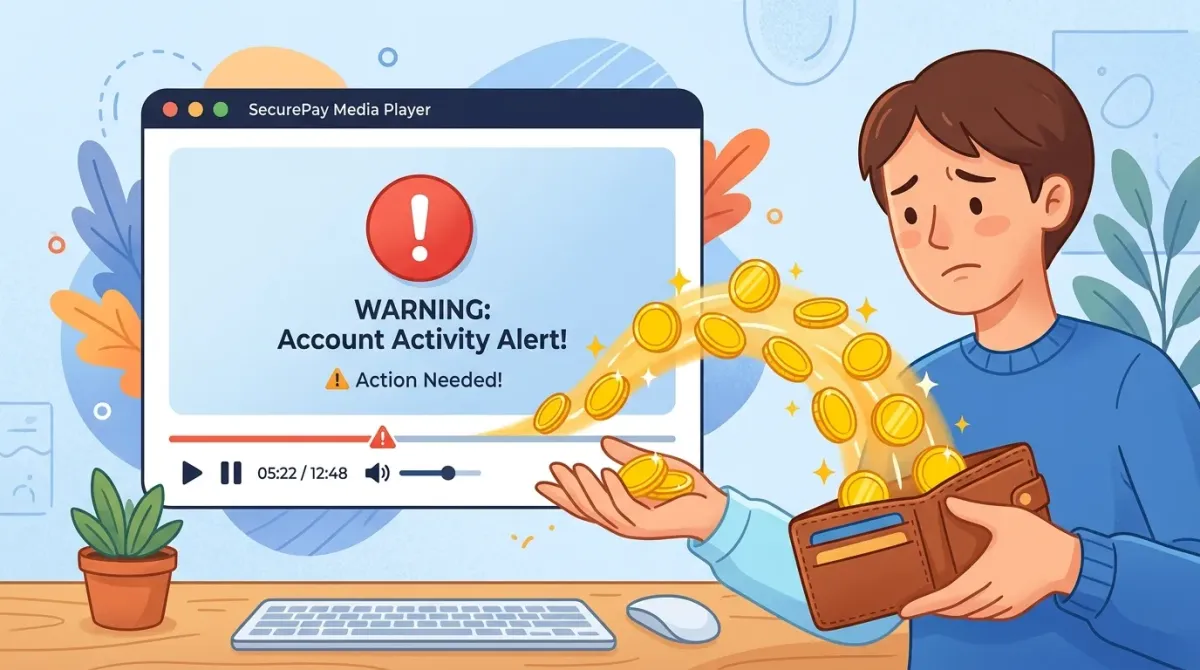
YouTube automatically compares the audio of every upload against registered music, and a match triggers a Content ID claim. Most claims don't remove the video; they route its ad revenue to the rights holder instead. Your video can perform great while earning you nothing, and repeated strikes can escalate into channel penalties.
Background audio counts too
Music playing in a cafe, a game's soundtrack in the background: unintentional audio gets matched as well. Manage sound from the shooting stage, and in editing, only use music with a verifiable source.
How to Read License Terms
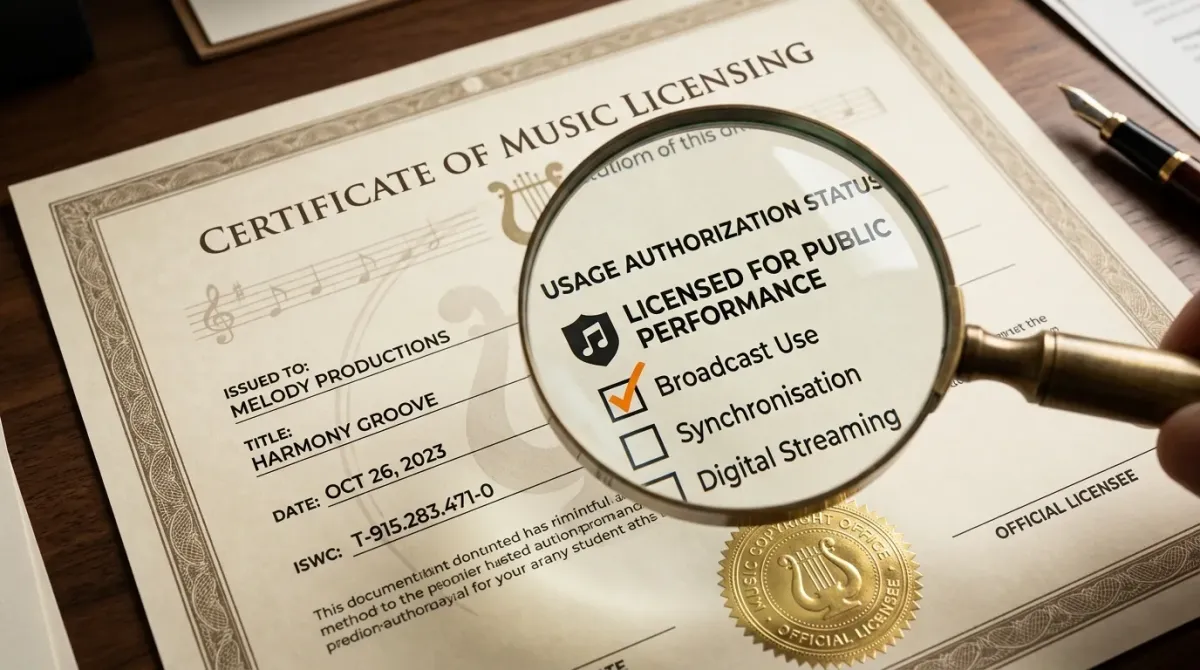
Every free music site words its terms differently, but these are the ones that matter.
| Term | Meaning | Attribution |
|---|---|---|
| CC0 | Copyright waived, free to use | Not required |
| CC-BY | Free to use, credit the creator | Required |
| Royalty-free | No per-use fees (does not mean free) | Varies by site |
| Personal use only | Using it in monetized videos is a violation | - |
"Free" and "commercial use allowed" are different
Plenty of tracks are free to download but not allowed in monetized videos. A YouTube video running ads should be treated as commercial use, so always confirm the commercial-use permission explicitly.
Put attribution in the description
For CC-BY tracks, add the track name, creator, and source link to your video description. If the site provides a ready-made credit line, paste it as-is; that is the safest form.
Safe Free Music Sites
Terms can change, so make it a habit to check each site's current policy before you use a track.
| Site | What it's good for | Watch for |
|---|---|---|
| YouTube Audio Library | Official, safe for monetization | Some tracks require attribution |
| Pixabay | Large catalog, broad commercial use | Per-track license |
| Free Music Archive | Curated CC-licensed music | CC type varies per track |
| Incompetech | Long-running free BGM classic | Free tier requires attribution |
| Freesound | Field recordings and effects (CC) | Per-file license |
YouTube Audio Library: the default choice
It lives inside YouTube Studio and is YouTube's own free music vault. Because YouTube provides it, there are no Content ID surprises, and monetized videos are fine. Genre, mood, and duration filters make picking a track fast. If you're starting out, start here.
Don't forget sound effects
Background music and sound effects are separate needs. The Audio Library's sound effects tab and Pixabay's SFX section cover most cases, and Freesound is the go-to for ambient and field recordings (check each file's CC license).
When a Claim Arrives Anyway
Sometimes you did everything right and a claim still lands. The classic case: a third party registers a free track in Content ID as if they owned it.
Records are your weapon
Disputes need evidence. Keep the track name, source site, download date, and a screenshot of the license page in one folder. With that record, most wrongful claims are lifted on dispute. Open the claim details on the video in YouTube Studio and follow the dispute flow.
What About AI Music?
AI music generators like Suno have become an option, but lawsuits over their training data are still in progress, so the status of their output isn't fully settled. The details are in our piece on the Suno hack. For revenue-generating videos, make clearly licensed tracks your default, and if you do use AI music, keep a record of which service generated it and when.
And before the music goes in, tighten the video itself: clean up dead air with silence cutting, and pull a few vertical Shorts out of your long video so one track covers several uploads.
FAQ
Is YouTube Audio Library music really free?
Yes, free for YouTube videos including monetized ones. Some tracks require attribution in the description, so check the license note next to each track.
Can I use songs I bought on iTunes or Spotify in my videos?
No. Buying gives you the right to listen, not to sync into a video. Content ID will match it and route your revenue to the rights holder.
I used a free track and still got a copyright claim. Why?
Often a third party has registered that track in Content ID, wrongly or maliciously. Dispute it with your source and license records; most such claims get released.
Is it okay if I only use 30 seconds, or lower the volume?
No. Any length and any volume can be matched and can still infringe. "Short clips are fine" is a myth.
Can I use TikTok's or Instagram's music library for YouTube videos?
No. Platform music libraries are licensed for use inside that platform only. For YouTube uploads, add music that is licensed for YouTube.
Subtitles on your computer, no upload.
The AI subtitle editor that styles every single word